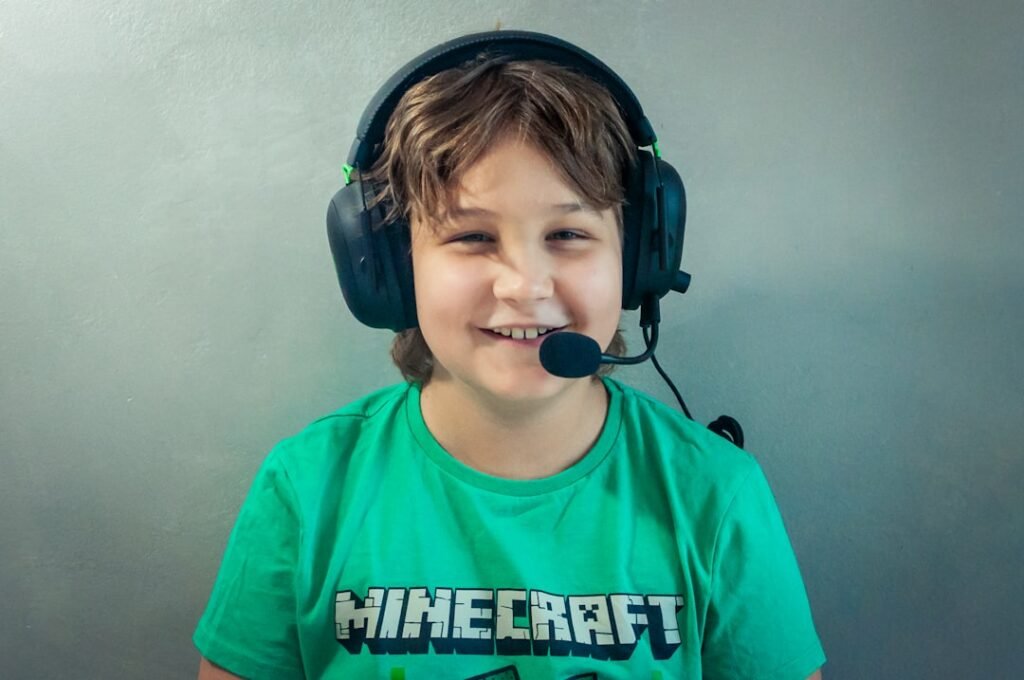
Online gaming safety for parents is one of those security topics that looks simple until it becomes urgent. The practical answer is rarely one tool or one rule. It is a set of habits, checks and decisions that make the safer action easier. If you want the wider context first, start with the parents online safety guide; this article turns that pillar guidance into a focused checklist for families managing games, chats, purchases and friend requests.
Online games mix entertainment with chat, purchases, accounts, strangers and pressure from friends. The risk is not only technical. It usually involves people, timing, pressure and unclear ownership. That is why the best approach combines plain-English rules, a few technical controls and a clear response plan.
Why gaming safety matters
Gaming accounts can hold money, identity, social access and emotional importance for children. It also matters because small gaps tend to connect. A weak password can turn into an account takeover. A rushed payment can turn into invoice fraud. An unclear AI rule can turn into data leakage. A child’s compromised account can turn into wider family risk. Good security works by reducing the number of easy next steps available to an attacker.
For Online Gaming Safety What Parents Should Check First, NCSC device security guidance is a useful reference point. Use it to check the core controls, then adapt the advice to the specific people, tools and data involved.
A gaming account is not “just a game” if losing it would distress a child or expose family payment details.
The most common warning signs
The warning signs for Online Gaming Safety What Parents Should Check First are easiest to catch when the team knows what normal looks like. Pay attention to unusual requests, new permissions, unexpected alerts and any process that depends on one person remembering an informal workaround.
- Unknown adults in voice chat.
- Requests to move to private messaging apps.
- Pressure to buy skins or currency.
- Account login alerts.
- A child hides conversations or spending.
A practical checklist
Use this checklist for Online Gaming Safety What Parents Should Check First as a working routine, not a one-off exercise. Start with the first few actions, then return to the rest once the basic habit is in place.
- Turn on child accounts or family controls.
- Limit voice chat and friend requests.
- Protect accounts with strong passwords and MFA where available.
- Set spending controls.
- Teach children not to share codes or personal details.
- Review reporting and blocking tools.
What to do first
Open the game settings with your child and review chat, spending and privacy controls. The first step should be small enough to do today. Security improvements often fail because the first action is too ambitious. A simple change that is completed now is more valuable than a perfect plan that never starts.
| Situation | Better response | Why it helps |
|---|---|---|
| Voice chat | Limit to friends or turn off for younger children | Reduces contact with strangers |
| In-app purchases | Require approval | Prevents pressure spending |
| Account security | Use strong credentials | Protects progress and identity |
Mistakes to avoid
A common mistake with Online Gaming Safety What Parents Should Check First is assuming the first setup will stay correct forever. Review it when tools, people, suppliers or habits change, because those changes are usually where old controls start to fail.
- Focusing only on screen time.
- Ignoring in-game chat.
- Saving payment cards without restrictions.
- Not knowing how to report players.
How this connects to the wider security plan
Gaming safety is a practical branch of family safety, privacy and account security. This is where internal linking is useful for readers too: a focused article answers the immediate question, while the pillar article shows where the topic fits in the larger security system.
For related next steps, read security habits everyone should build and personal data sharing. Those guides cover the surrounding behaviours that make this topic easier to manage over time.
A simple monthly review
For Online Gaming Safety What Parents Should Check First, a monthly review can be short: what changed, what failed, and what still depends on memory? Those three questions catch drift before it becomes an incident.
Write the current answer for Online Gaming Safety What Parents Should Check First somewhere people can actually find it. A shared note, checklist or risk register entry is enough if it is kept current.
Final recommendation
Treat games as social spaces with money and accounts attached. Settings and conversations need to cover all three. Security is strongest when the right thing is also the easy thing. Reduce friction, remove unnecessary exposure, document the few decisions that matter, and review the setup before small gaps become expensive incidents.
For Online Gaming Safety What Parents Should Check First, make ownership explicit. Name who reviews the setting or decision, and set a realistic date for checking it again.
For Online Gaming Safety: What Parents Should Check First, make the next review easy to run. Name the person or role that checks the control, and connect the review to a normal routine such as onboarding, supplier review, family device setup or a monthly security check.
For Online Gaming Safety: What Parents Should Check First, make the next review easy to run. Name the person or role that checks the control, and connect the review to a normal routine such as onboarding, supplier review, family device setup or a monthly security check.
For Online Gaming Safety: What Parents Should Check First, make the next review easy to run. Name the person or role that checks the control, and connect the review to a normal routine such as onboarding, supplier review, family device setup or a monthly security check.
For Online Gaming Safety: What Parents Should Check First, make the next review easy to run. Name the person or role that checks the control, and connect the review to a normal routine such as onboarding, supplier review, family device setup or a monthly security check.
For Online Gaming Safety: What Parents Should Check First, the practical test is whether someone can apply the advice without rereading the whole article. Pick one real account, message, supplier, device or workflow and use it as a quick rehearsal. If the next step is not obvious, tighten the checklist before relying on it during a stressful moment.