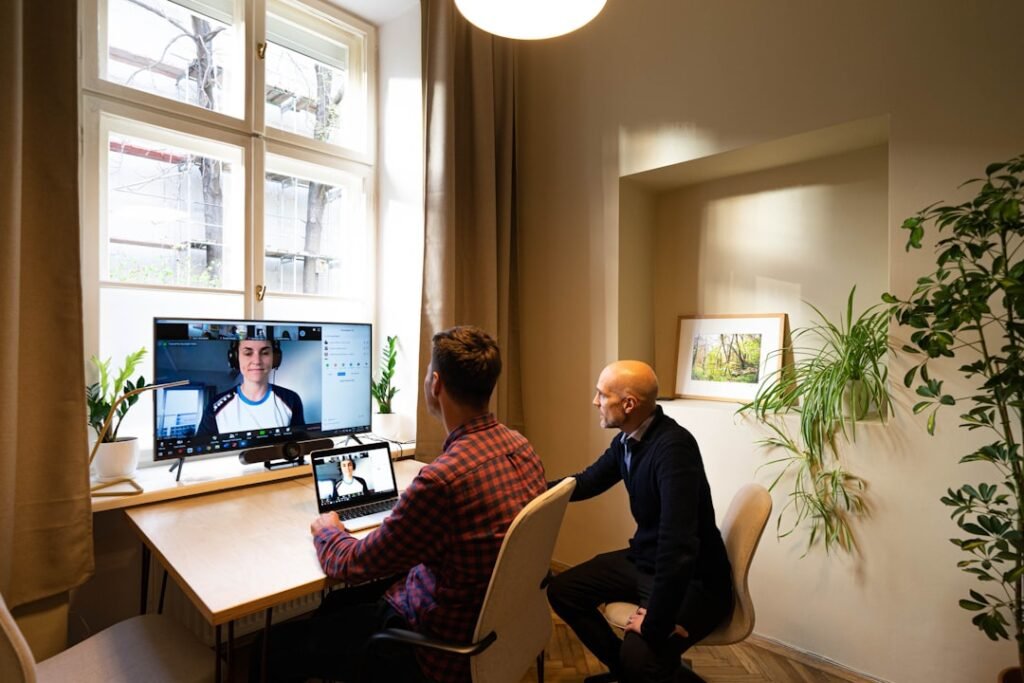
AI meeting assistants can record calls, transcribe conversations, summarise decisions and create action lists. If you need the wider context, start with hidden data risks of AI assistants. This guide focuses on recording, transcription, consent, retention and sensitive meetings, with practical controls that a UK team can use before the next tool, supplier or incident forces the issue.
They can also capture sensitive HR, customer, legal, health, financial or security information without everyone understanding where the data goes. The answer is not panic and it is not blind adoption. The answer is a clear boundary: what is allowed, who owns it, what must be checked, and how the team will know if something goes wrong.
Why AI meeting assistant privacy matters now
Meeting assistants are moving from novelty to default feature in workplace collaboration tools. That makes privacy settings and meeting rules urgent. This is why the topic should sit in normal business planning rather than being treated as a side project. Security works best when the control is built into the workflow, not added after staff have already found their own shortcuts.
The most useful external reference for AI meeting assistants is ICO: AI and data protection. Read it as a baseline, then compare it with the exact systems, data and decisions your team handles.
If a meeting should not be recorded by a person, it probably should not be recorded by an AI assistant by default.
The risk in plain English
The risk is that the transcript becomes a new sensitive record with unclear access, retention and sharing. Most failures are not caused by one dramatic mistake. They are caused by small permissions, old assumptions and unclear review points connecting together. A safe process breaks that chain before one weak point becomes a business problem.
- Participants are not told an AI tool is recording.
- Transcripts include personal data.
- Summaries are shared too widely.
- Retention settings are unknown.
- External guests are recorded without a clear rule.
What good looks like
Good practice for AI meeting assistants should be easy to recognise in daily work. People should know the rule, the owner should be able to show the setting or record, and the team should understand what to do if the control fails.
| Area | Weak setup | Safer setup |
|---|---|---|
| HR meeting | Assistant joins by default | Disable unless explicitly approved |
| Sales call | Transcript shared broadly | Restrict to account team |
| Security incident | Sensitive details stored in tool | Use approved incident channels |
A practical checklist
Use the checklist below as the first working version for AI meeting assistants. Review it when the tool, supplier, workflow or risk level changes.
- Define which meetings can be recorded.
- Tell participants clearly.
- Review retention settings.
- Limit transcript access.
- Disable assistants for sensitive meetings.
- Delete recordings when no longer needed.
How to roll this out without slowing the team down
For AI meeting assistants, begin with the workflow where a mistake would hurt most. One completed improvement in that place is more useful than a broad plan that nobody owns.
- Name an owner for AI meeting assistant privacy.
- List the tools, accounts, data or workflows involved.
- Decide what is allowed, blocked and approval-only.
- Make the rule easy to find and easy to follow.
- Add a review date and a reporting route for problems.
- Update related posts, policies or checklists when the process changes.
Common mistakes
The mistakes below are common around AI meeting assistants. They become easier to fix once the team knows who should notice them and what the next action should be.
- Treating transcript text as low-risk.
- Letting assistants auto-join all meetings.
- Ignoring external participant expectations.
- Keeping recordings indefinitely.
Internal links and next steps
Meeting assistants connect privacy, AI governance and workplace monitoring. For a broader control set, read AI security for UK businesses and personal data sharing guide. If the topic touches personal data, also connect it to personal data sharing and privacy basics.
Questions people usually ask
Do employees need to know if AI records a meeting?
Yes, transparency is essential and may be legally required depending on the context and data involved.
Should all meetings be transcribed?
No. Sensitive meetings should have stricter rules and often no AI assistant.
What is the safest default?
Disable auto-join and require intentional use with clear access and retention settings.
Final recommendation
Use AI meeting assistants intentionally, not automatically. Write down the rule, test it against a real example, and improve it after the first review. Good security is not a perfect document. It is a repeatable behaviour that survives busy days.
Set meeting defaults deliberately
The safest default is not to let assistants join every meeting automatically. Use intentional recording for meetings that benefit from transcripts, and disable it for sensitive HR, legal, security or customer conversations unless there is a clear reason. Meeting data becomes a record, so create it only when it is useful.
A realistic workplace example
An AI meeting bot joins every call by default. It records sales calls, HR check-ins, supplier negotiations and incident discussions. The summaries are useful, but the transcript archive becomes a sensitive database that nobody planned to manage.
What to monitor
Monitoring AI meeting assistants should stay simple. Pick a few signals that reveal whether the control is being followed, ignored or stretched beyond its original purpose.
- Auto-join settings
- Transcript retention
- Access to recordings
- Meetings involving HR, legal or security topics
A 30-day improvement plan
Improve AI meeting assistants in short cycles. Complete one action, record what changed, then use that evidence to decide the next step.
- Disable automatic joining for sensitive meetings
- Set retention rules
- Limit transcript access
- Tell participants when AI recording is active
Why this should stay practical
Meeting assistants should be invited with intent. If the transcript has no clear purpose, the safest record may be the one you never create.
The strongest control for AI meeting assistants is the one people can follow during normal work. If the safe route is clear, quick and visible, it is more likely to become the default.
Decision rules for this topic
For meeting assistants, the decision rule should focus on whether the transcript has a clear purpose. If nobody needs the record, do not create it by default.
- Do not let AI assistants auto-join sensitive meetings.
- Limit transcript access to people who need the record.
- Delete meeting data when the business purpose has passed.
Who should be involved
Meeting owners, HR, legal or compliance should be involved when calls include staff, customers, disputes or sensitive business decisions.
When to revisit the guidance
Revisit settings after new meeting tools, client requirements or changes in retention policy. Defaults can change quietly after software updates.
Meeting types that need different rules
Not every meeting has the same privacy profile. A public webinar, sales demo, internal planning session, HR discussion and incident response call all create different records. Treating them all the same is usually the problem. The meeting owner should decide whether recording is useful, justified and proportionate.
A simple classification helps: record by default only where the benefit is clear, ask before recording external or sensitive calls, and disable assistants completely for conversations involving disciplinary, legal, medical or high-risk security content.
For teams with external clients, add meeting-assistant rules to client onboarding or engagement notes. This avoids awkward surprises later and gives clients confidence that recording, transcription and AI summaries are handled deliberately.